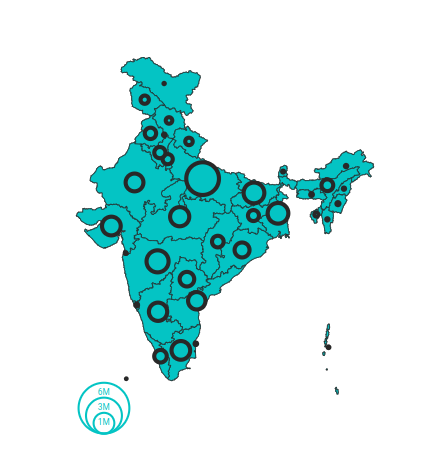
TOTAL VACCINATION DOSES
VACCINATION DONE TODAY
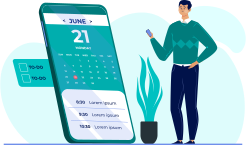
Get a preview list of the nearest centers and check availability of vaccination slots
Login to book your slotNow Precaution dose for 18-59 age group free at Government Vaccination Center.
Book Your SlotIf you have experienced any side effect after COVID-19 vaccination, it can be reported on Co-WIN using your registered mobile number.
Report NowCovovax vaccine is now available for Children of the age group 12+ yrs in Private Vaccination Center. The time span between first and second dose of Covovax is 21 days. Children can be administered with the second dose of Covovax within a month.
Children of the age group 12-14 yrs are now eligible for the Corbevax vaccine in Government Vaccination Center and in Private Vaccination Center 12+ yrs. The period between a first and second dose of Corbevax is 28 days.
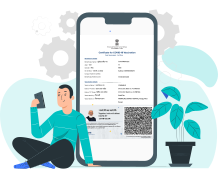
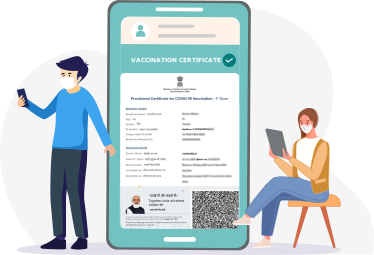
If the date printed on your vaccination certificate differs from the actual date of vaccine administration, you may raise a request for correction of the same by submitting a valid proof of correct vaccination date
Update DateAll fully vaccinated adult citizens (18+ and have taken 2 doses) are eligible for precaution dose from 10/04/2022. Eligible citizens can avail precaution dose at any Government or Private Vaccination Center. Citizens should carry their Final Certificate of vaccination (with details of both earlier doses). Citizens should use the same mobile number and ID card used for earlier doses.
HCWs, FLWs and Citizens aged 60 year or more, shall continue to receive precaution dose vaccination at any CVC, including free of charge vaccination at Government Vaccination Center.
For international travel, precaution dose can be administered to such beneficiary less than 9 months to at a minimum interval of 3 months (90 days) from the date of administration of the second dose as recorded on Co-WlN as per requirement of the destination country. All Vaccination Center in the State where precaution dose is being administered are eligible to administer precaution dose.
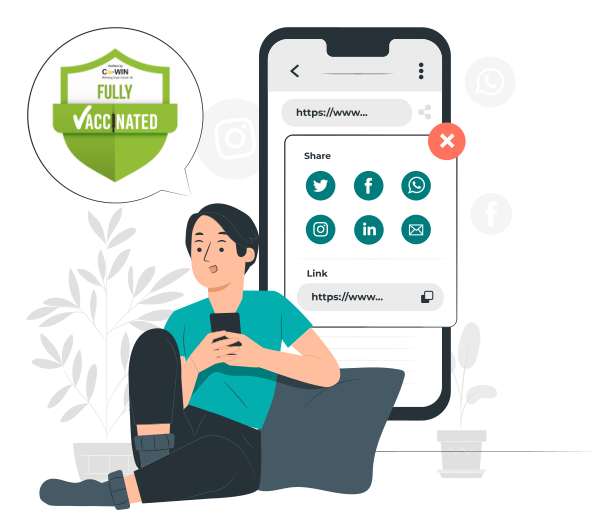
Be a Fighter! If you are fully or partially vaccinated, you can now share your vaccination status in your social circle. Let's encourage our friends and followers in joining India's battle against COVID-19.
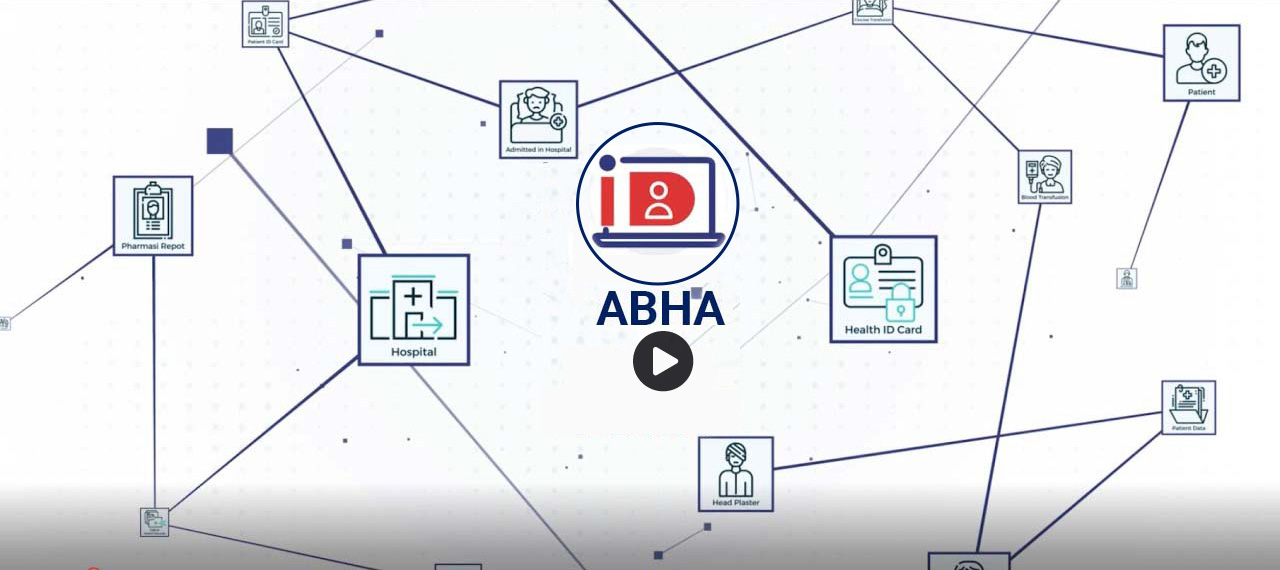
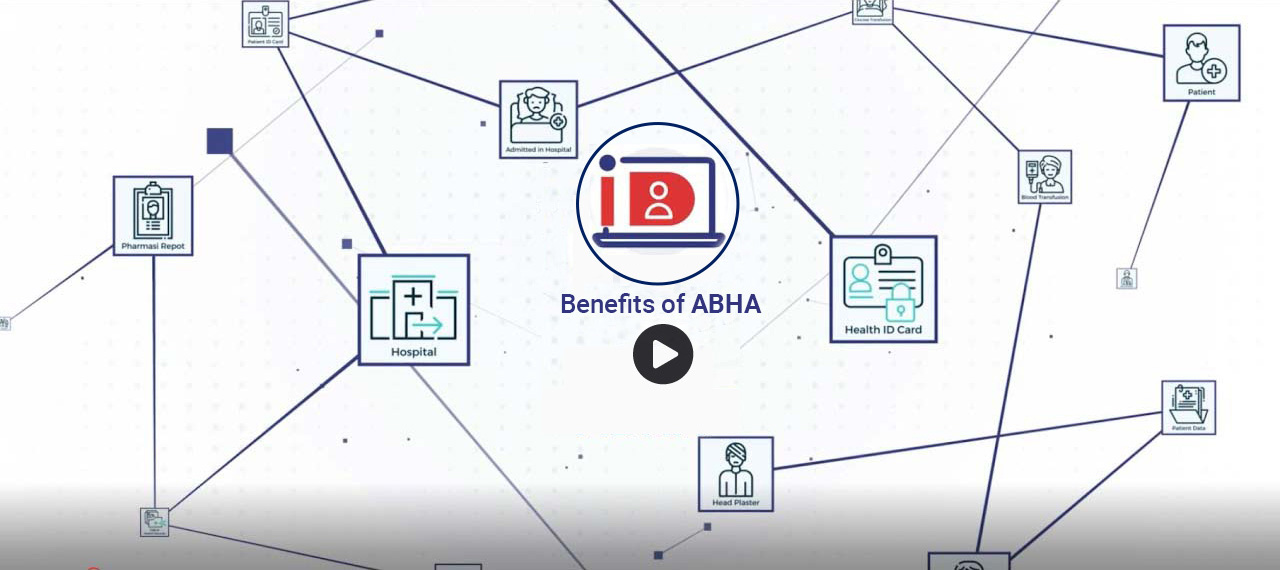
Share Your StatusABHA (earlier known as Health ID) is an acronym for Ayushman Bharat Health Account. Using ABHA (Health ID) is the first step towards creating safer and efficient digital health records for you and your family. It enables your interaction with participating healthcare providers, and allows you to receive your digital lab reports, prescriptions and diagnosis seamlessly from verified healthcare professionals and health service providers.
Raise an issue or get solutions to your Co-WIN account and vaccination certificate related issues instantly.
: Download the modern Ubisoft Connect Desktop App from the official website.
The most effective way to resolve this is to completely remove the outdated client and install the newest version directly from Ubisoft.
The error "uplayachearnachievement could not be located new" is a common "Procedure Entry Point" issue that occurs when older Ubisoft games (like Assassin’s Creed IV: Black Flag or Far Cry 4 ) attempt to communicate with an outdated or corrupted version of the (formerly Uplay) launcher . This typically happens because Steam installs a legacy version of Uplay that lacks the modern dynamic link libraries (DLLs) required for achievement tracking. Primary Fix: Manually Purge and Reinstall Ubisoft Connect
If a simple reinstall doesn't work, try these targeted technical fixes:
: Manual cleanup is crucial as the uninstaller often leaves files behind. Navigate to C:\Program Files (x86)\Ubisoft and delete the Ubisoft Game Launcher folder entirely.
: Right-click the new UbisoftConnect.exe and select Run as Administrator to ensure it has the necessary permissions to update registry paths. Advanced Solutions
: Use the Windows Settings or Control Panel to uninstall the application.
: Download the modern Ubisoft Connect Desktop App from the official website.
The most effective way to resolve this is to completely remove the outdated client and install the newest version directly from Ubisoft.
The error "uplayachearnachievement could not be located new" is a common "Procedure Entry Point" issue that occurs when older Ubisoft games (like Assassin’s Creed IV: Black Flag or Far Cry 4 ) attempt to communicate with an outdated or corrupted version of the (formerly Uplay) launcher . This typically happens because Steam installs a legacy version of Uplay that lacks the modern dynamic link libraries (DLLs) required for achievement tracking. Primary Fix: Manually Purge and Reinstall Ubisoft Connect
If a simple reinstall doesn't work, try these targeted technical fixes:
: Manual cleanup is crucial as the uninstaller often leaves files behind. Navigate to C:\Program Files (x86)\Ubisoft and delete the Ubisoft Game Launcher folder entirely.
: Right-click the new UbisoftConnect.exe and select Run as Administrator to ensure it has the necessary permissions to update registry paths. Advanced Solutions
: Use the Windows Settings or Control Panel to uninstall the application.
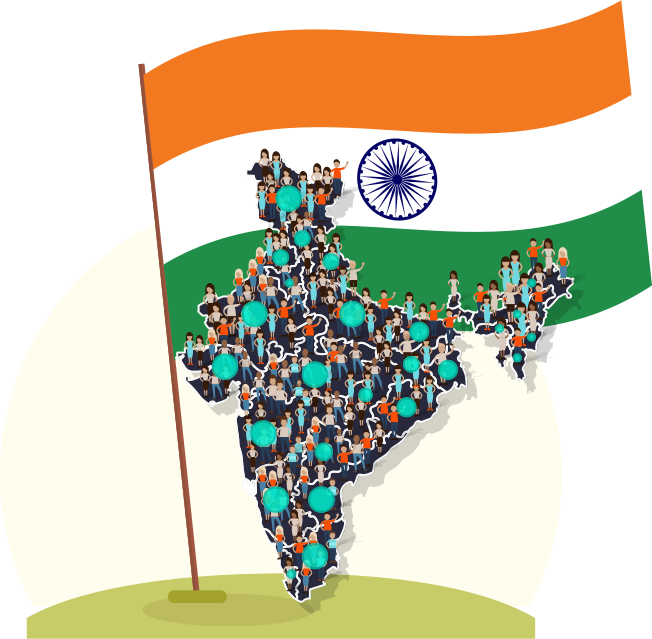
Vaccines Delivered
Citizens Fully Vaccinated
% of Fully Vaccinated